Two rule modes
Switch between international three-cushion scoring and free carom without rebuilding the position.
Build a three-cushion or free-carom position, tune the full cue contact, compare practical shot families, replay the result and keep a local practice record. The calibrated simulator is a training reference—not a guarantee for a real table.
Set up positions, explore shots and practise on your phone with the free 3ball app.


A physics-based 2D training model for ball, cushion, spin and cloth response. Performance varies by device, browser and scene.
No machine learning. One Physics V3 search follows the active three-cushion or free-carom rule, evaluates direct, cushion and elevated stroke families, removes duplicates and orders the portfolio from easy and stable to demanding and risky. Real-table measurement status remains clearly disclosed.
Local classical vision suggests corners and balls. Review and edit every point before transfer; use full manual placement if needed. No machine learning or accuracy guarantee.
Captured from the running simulator — no renders, no mockups. Click the simulator above to use any of these tools.
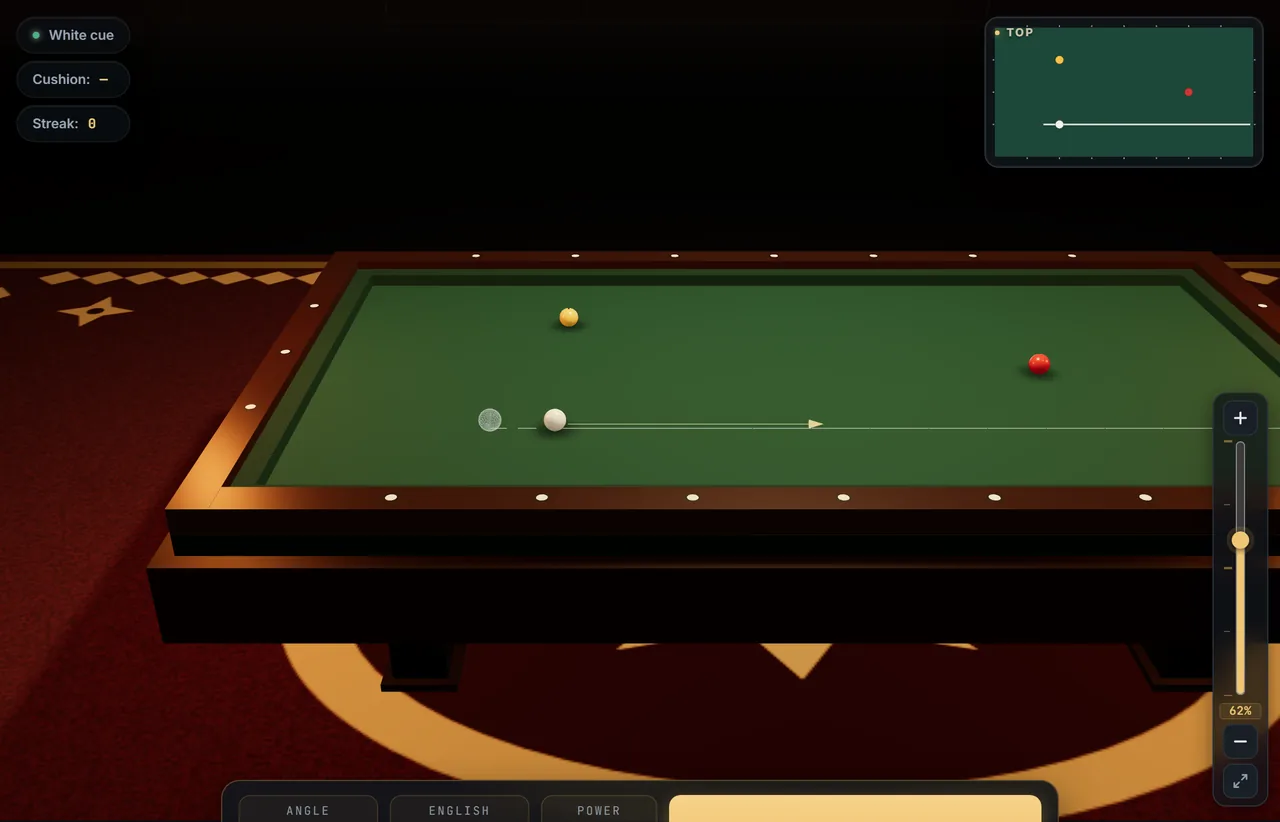
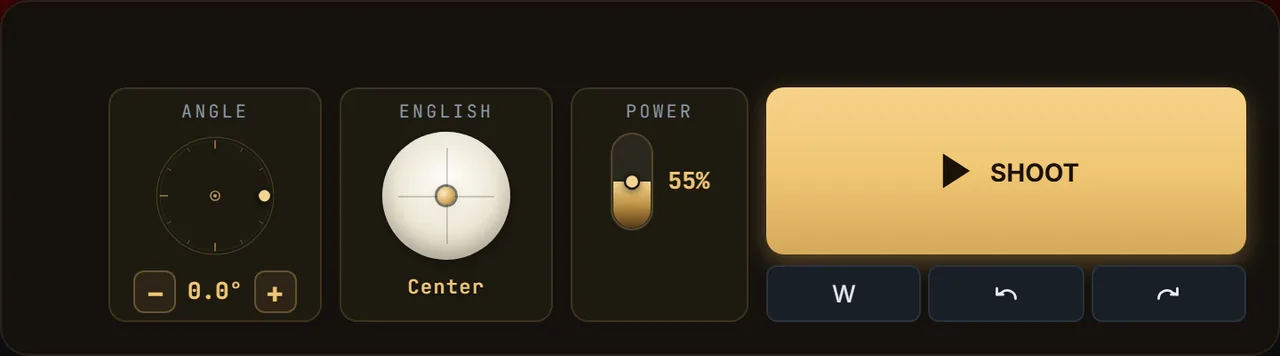
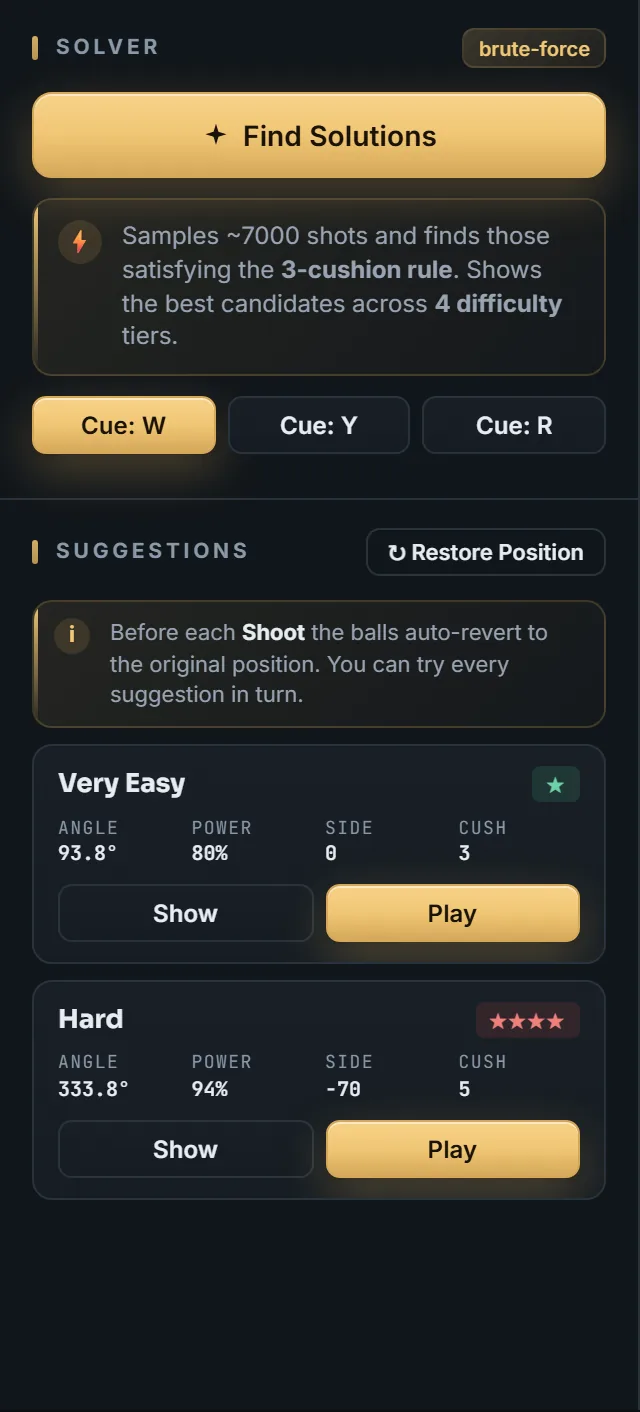
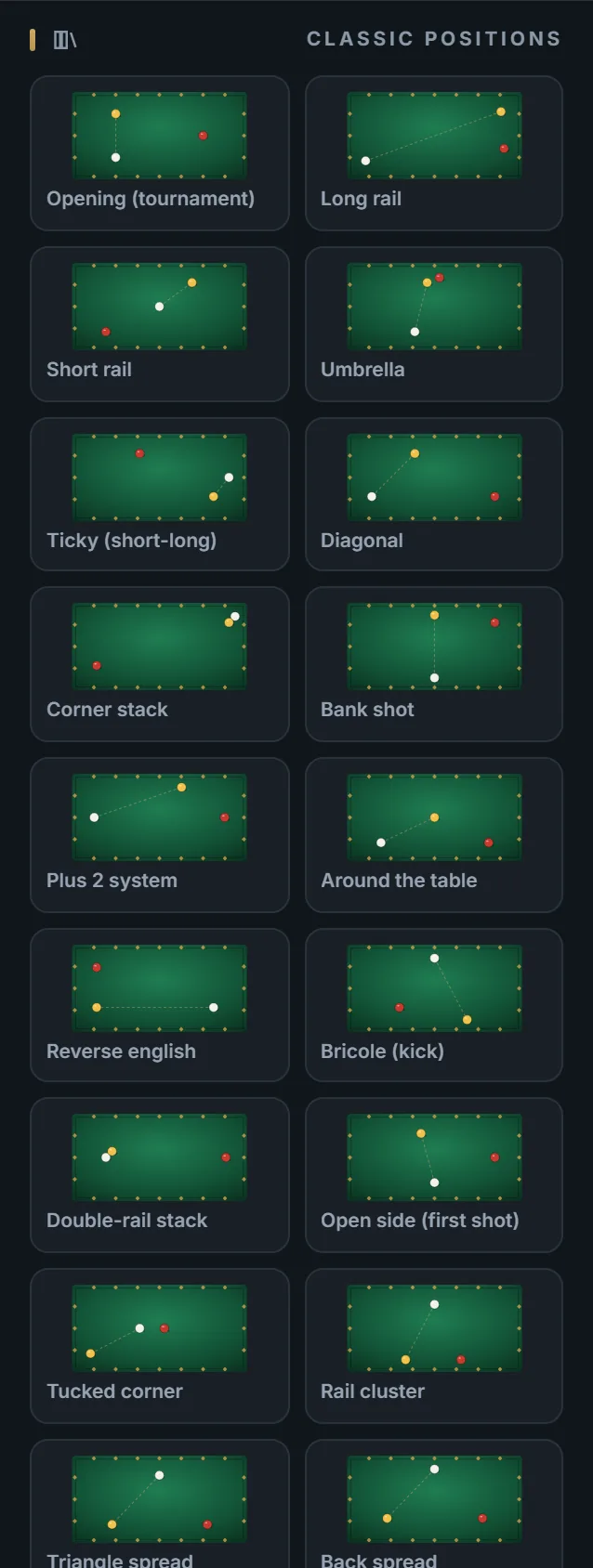
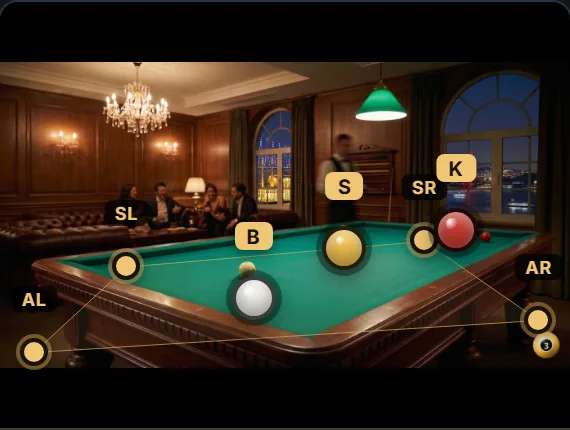
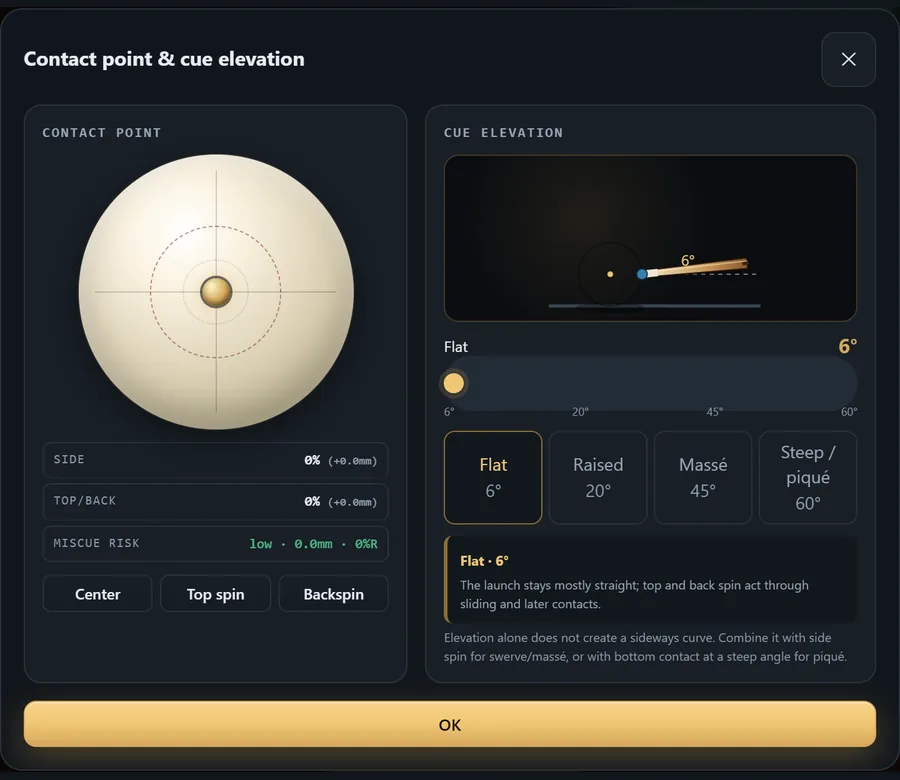
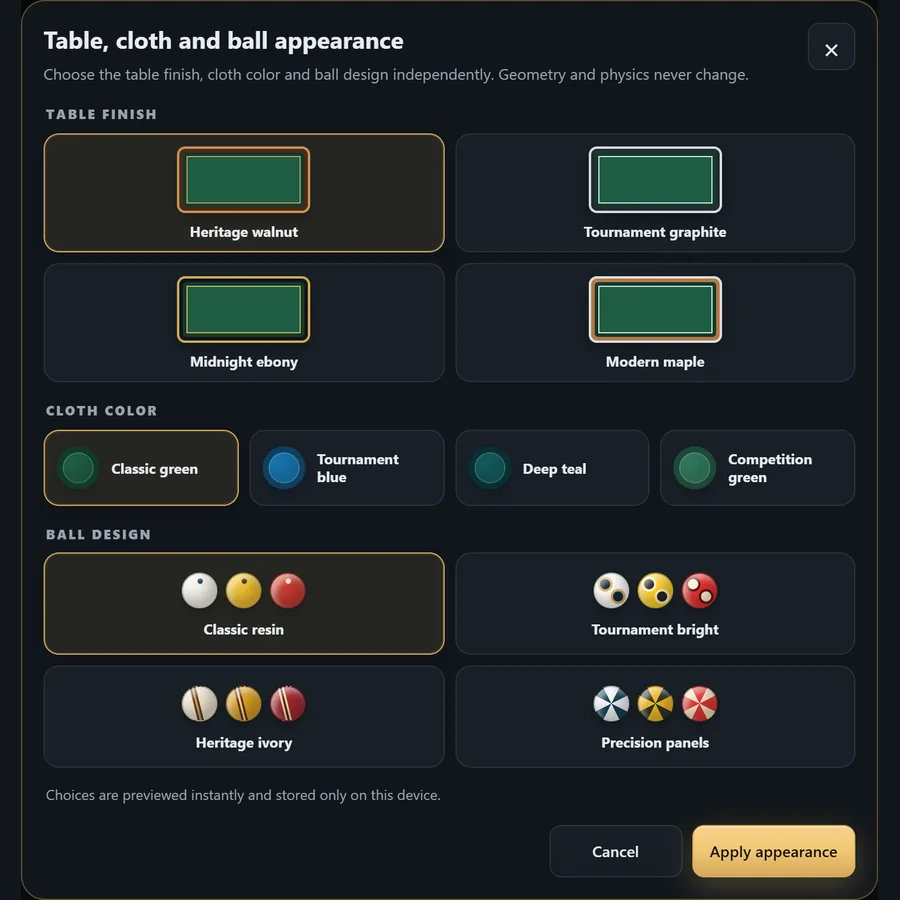
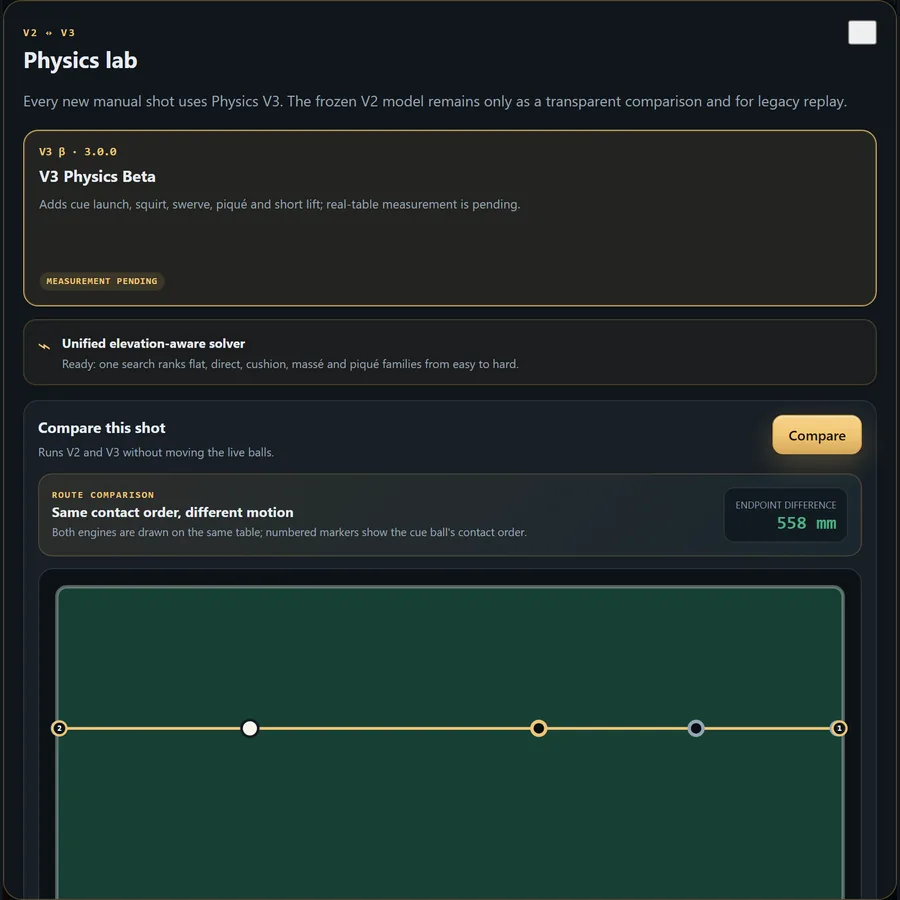
A complete, dated feature map—not a concept list. Experimental physics is labelled, local tools stay local, and every control below is available in the running simulator.
Switch between international three-cushion scoring and free carom without rebuilding the position.
25 playable presets, random layouts, manual placement, undo/redo, standard dimensions and custom table size.
Classical vision suggests corners and balls on the device; review, edit or replace every point manually before transfer.
Angle, power, side/top contact, cue elevation and a visible miscue boundary share one desktop/mobile contract.
Every new shot uses Physics V3. The frozen V2 reference remains available only for transparent comparison and legacy replay; measurement status is disclosed.
One rule-aware search combines available stroke families, validates replay and ranks distinct routes from practical to risky.
Orbit, zoom, top/side/perspective views, route-assist levels, 5.5 system overlay and optional spin guidance.
Playback speed, scrubbing, event trace, undo/redo, shot history and JSON export support deliberate review.
Repeat a saved position, track manual attempts, finish a session and review streaks and coach-style prompts locally.
Independent table finish, cloth and ball designs; 10 languages, light/dark themes, sound, local saves and share links.
THE 3BALL FILM · 46 seconds
See 3ball.app in action: find solutions, follow a shot, and explore table, ball, cloth and light–dark appearance options.
The browser simulator is free to use without an account. Web advertising is currently disabled.
No machine learning. One Physics V3 search follows the active three-cushion or free-carom rule, evaluates direct, cushion and elevated stroke families, removes duplicates and orders the portfolio from easy and stable to demanding and risky. Real-table measurement status remains clearly disclosed.
Use a current browser with WebGL2 support. Performance depends on your device, browser and scene; a device’s age alone does not establish compatibility.
You can use the website directly. Where supported, your browser also offers installation or Add to Home Screen; the steps vary by browser and operating system. The Install guide explains the options.
It is assisted, not automatic. Local classical vision suggests four corners and three balls; you must review and can edit every point before transfer. A full manual fallback is always available. No machine learning and no accuracy guarantee.